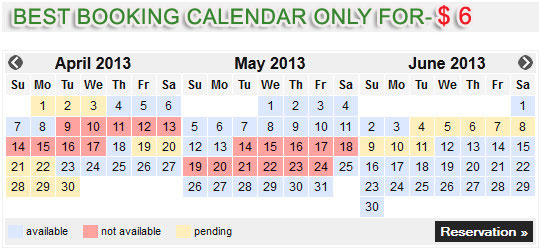
MANUAL INSTALATION:
This Booking calendar for its work using PHP, MySQL and jQuery. Installation is very simple.
Installation Steps:
1. First, you need to create a MySQL database or you can use an existing one.
2. Open Society file Connections / conn.php in which the settings database, database name, user name and password.
3. The next step is to call http://www.yoursite.com/install.php file (installation required tables in the database)
If there is a problem you need to contact us!
4. After you need to log in the panel with the demo data (test@test.com, 111111).
a.) In the panel you can change the data logging and add new users.
b) Upload / delete calendars on the Calendar link / reservation.
Work in a panel with calendar Links:
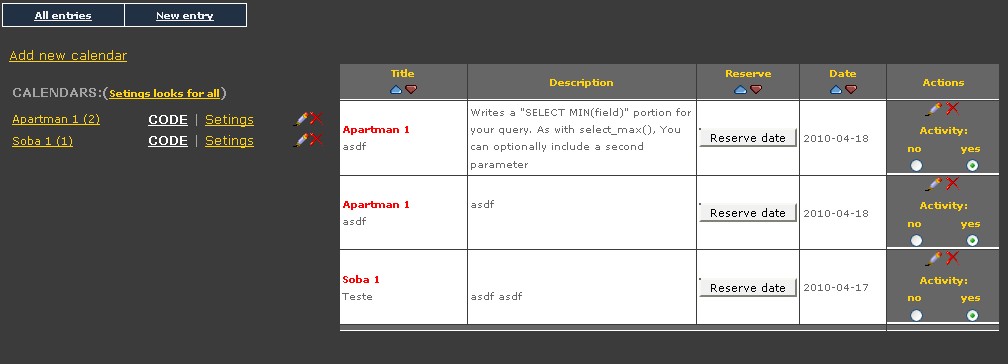
- All entries, view all entries
- New entry, type a description which will later be assigned to the reserved date.
- Add new calendar, enter the name of your calendar and save.
- CODE (White Link), here's the code that will copy and paste the page where you want to see the calendar.
- Settings, set calendar design (color, size house)
- Settings for all design, set design of the calendar.
Installation on the side of the site:
On all pages where you need to set calendar imported javascript code:
and a small CSS code that can be placed in a separate CSS file:
The CSS code can be changed by your wish!
Copy paste the code for the desired calendar from the panel, the desired area on the side of the site.
Example code:
That's it! Refresh page and should